
Home / Kwicks Delivery
Ordering and kitchen tickets, connected.
Customers order on their phone or the web. Every item goes to the right kitchen counter. Customers are told when it's ready and collect with an OTP, with no queue at a kiosk.
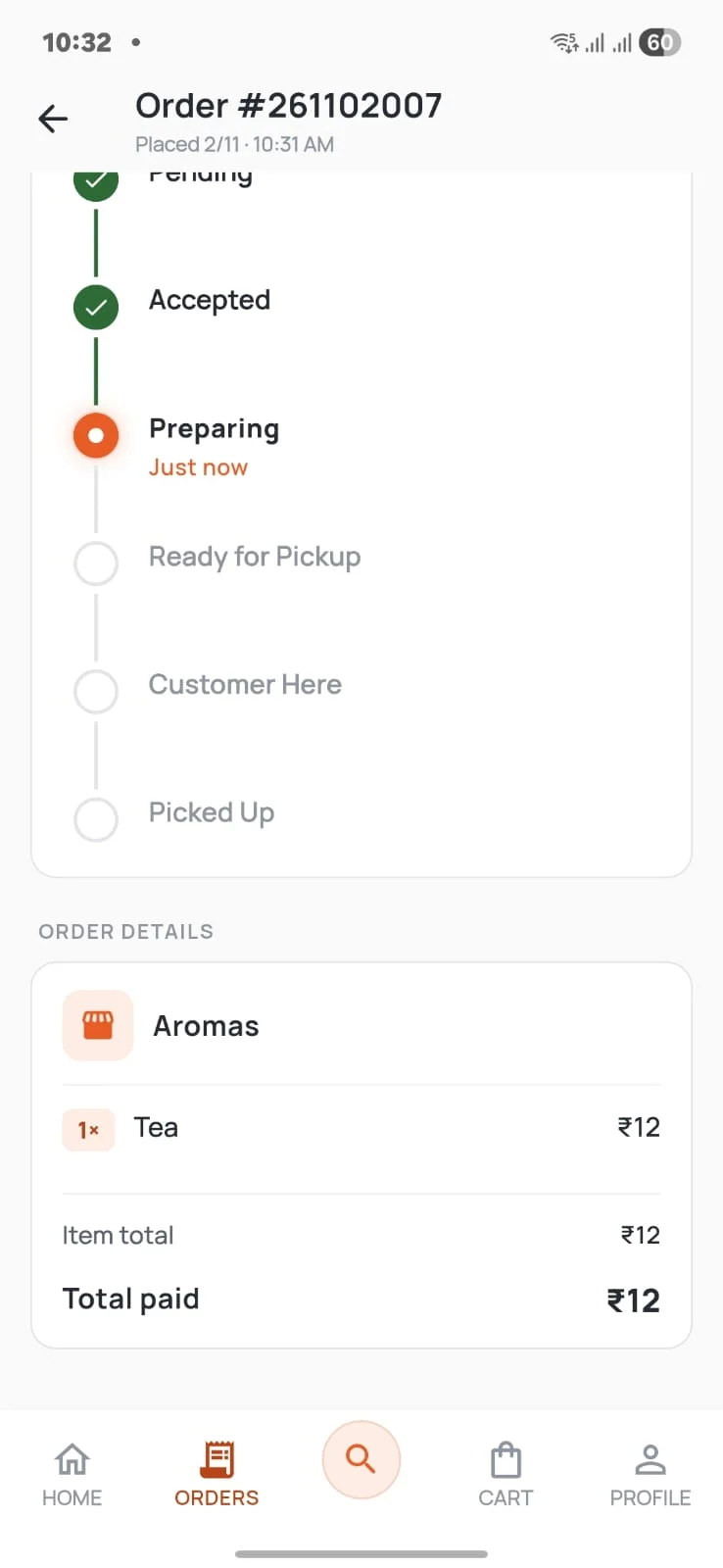
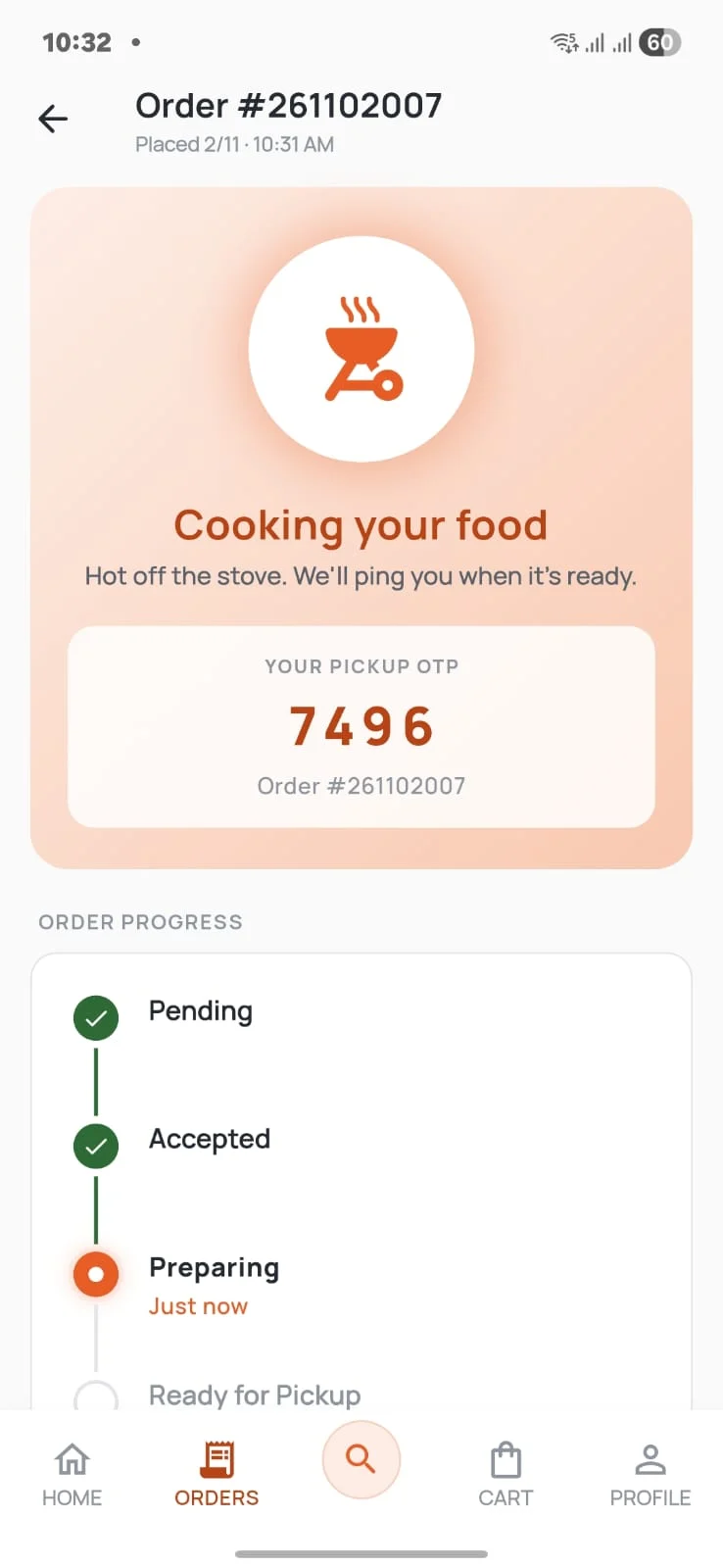
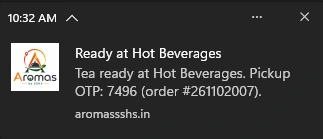
Running at Aromas.
Aromas is a campus food court. Here's what Kwicks Delivery did there during its bootstrapped launch phase.
- live orders handled
- 2,800
- more revenue for Aromas during peak hours
- ₹1.02 lakh
Tap the film to watch it full screen.
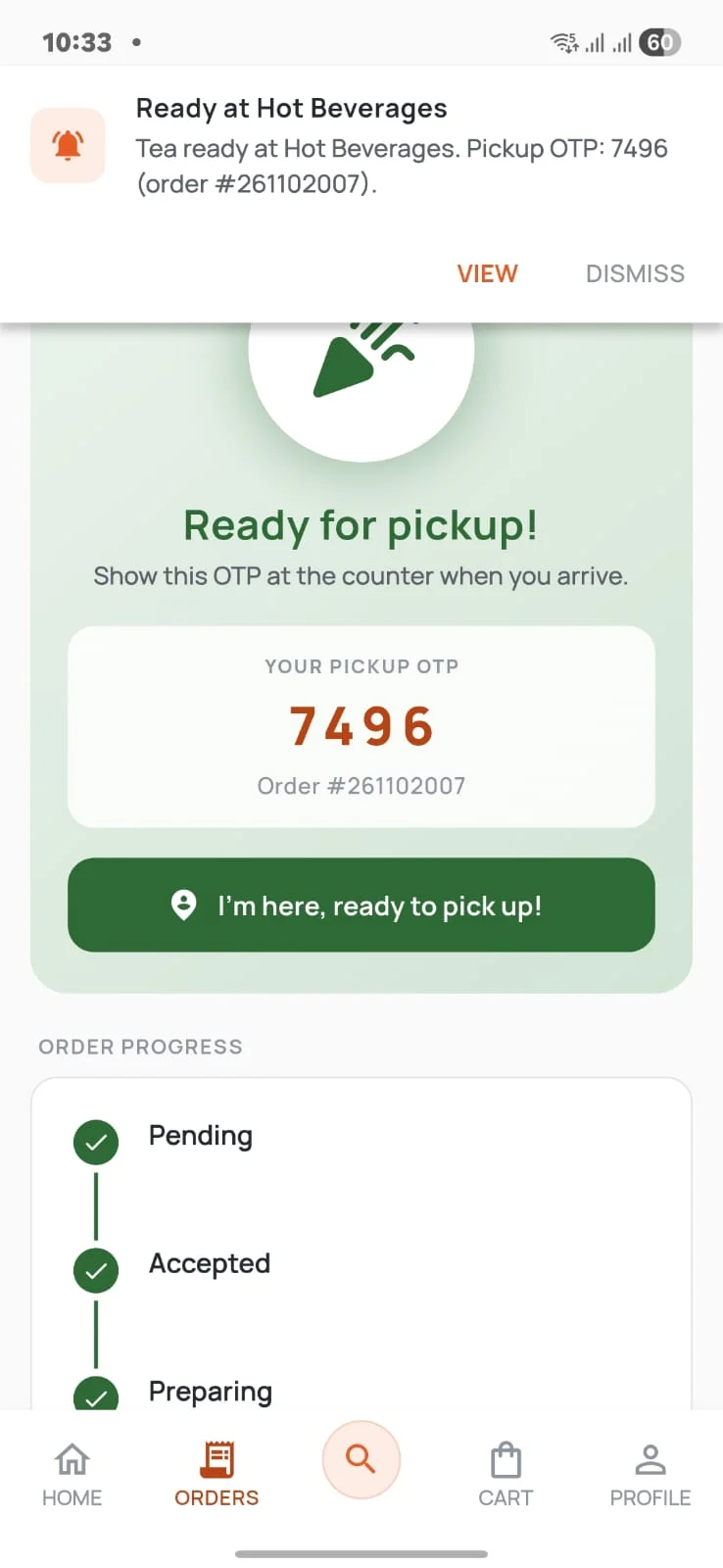
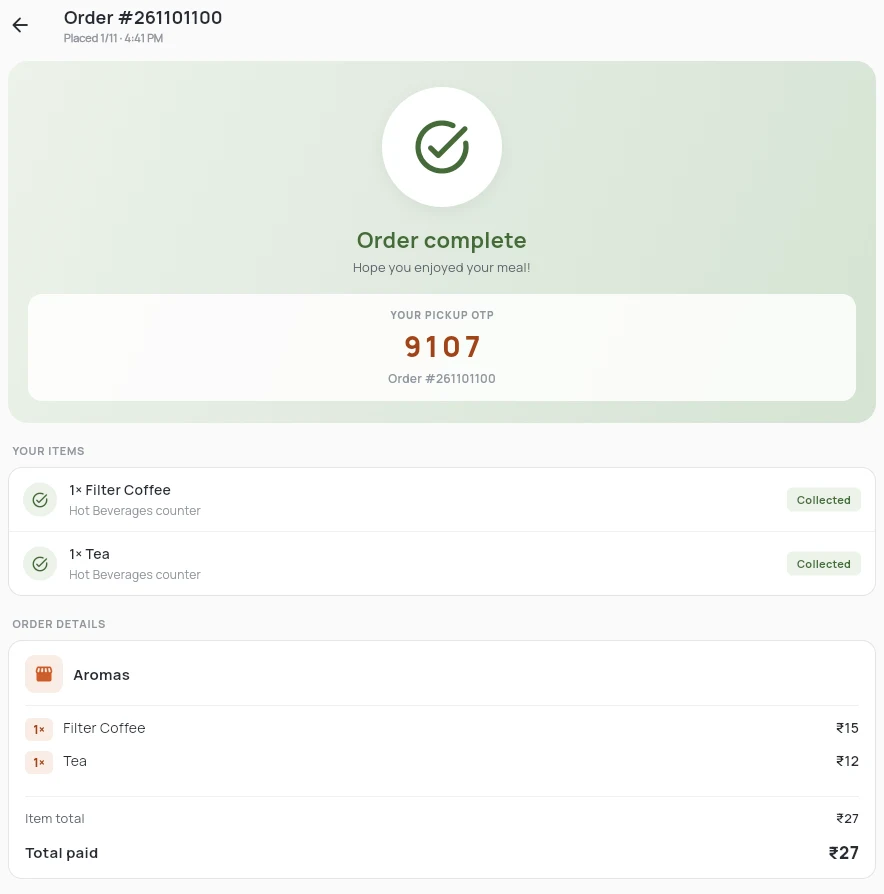
One order, from phone to pickup.
Real screens from Aromas. Pick a step, or let it play.
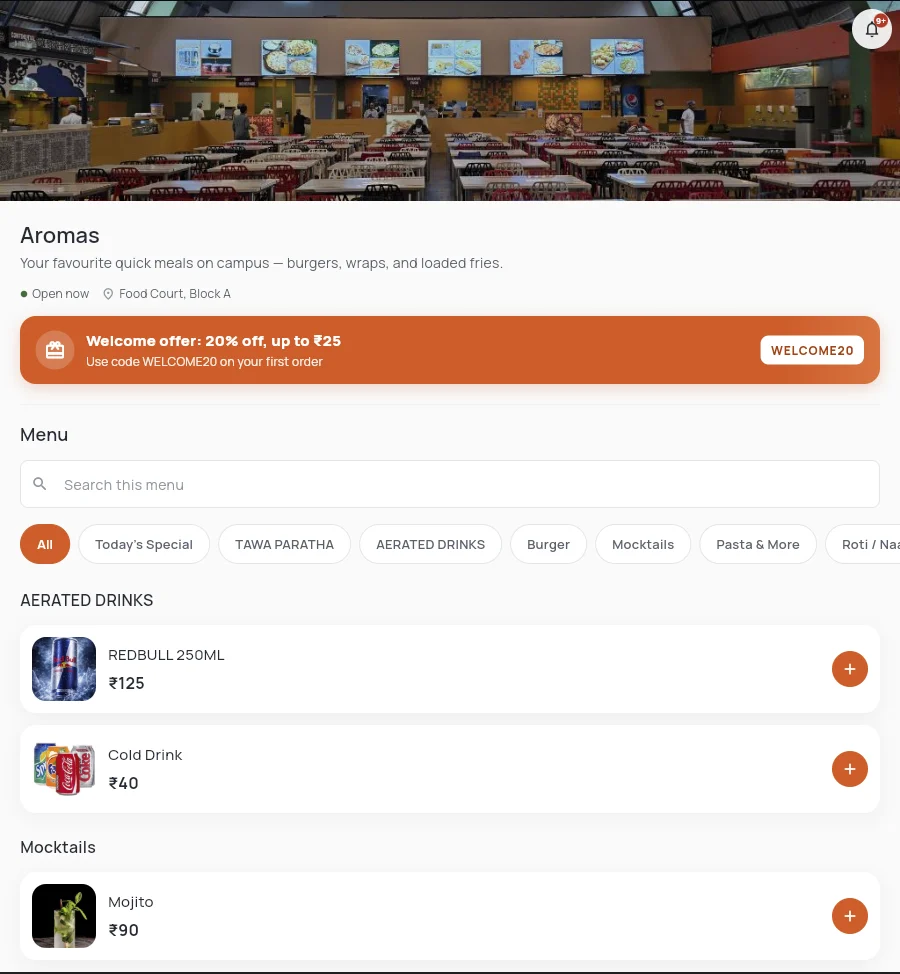
The same menu on Android, iOS and the web.
Illustration using Aromas' counters. Routing is set up per business.
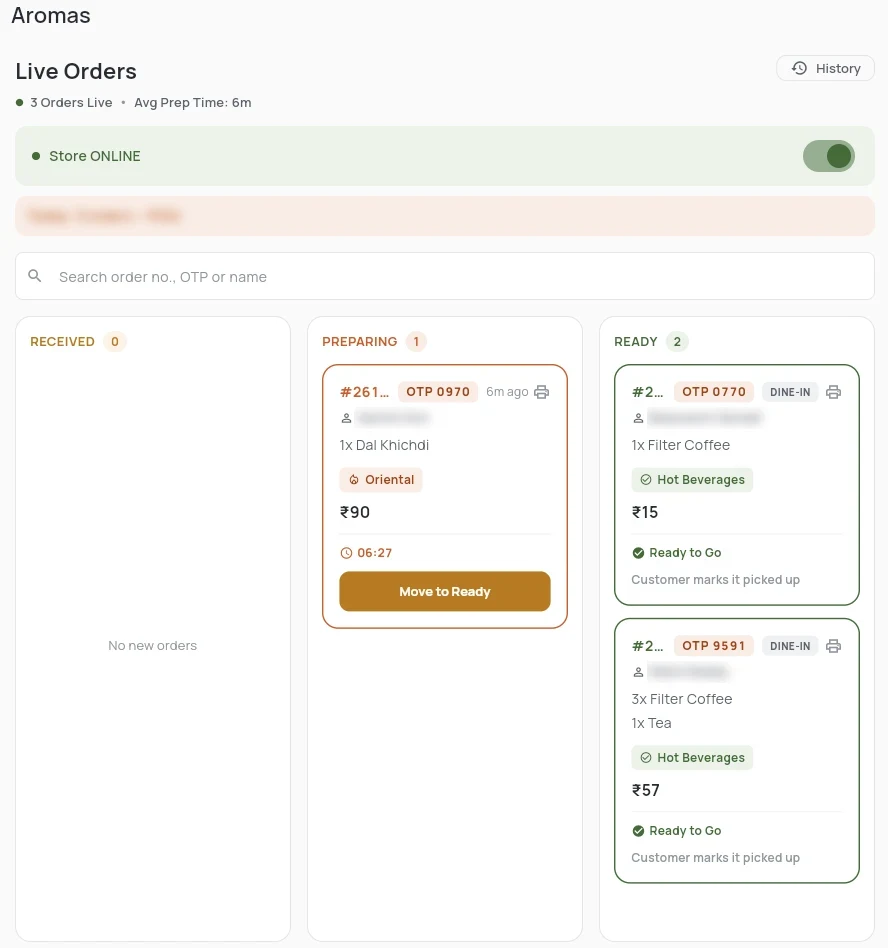
Customer names are blurred.
What you get.
Counters, categories and workflows are configured to match how your kitchen already runs.
- Ordering on Android, iOS and the web
- A KOT system configured for your kitchen
- Orders split by counter
- Orders grouped by category
- Status for every item, not just the order
- Push notifications when items are ready
- OTP check at pickup
- Workflows set up for your business
Built for kitchens with more than one counter.
- Restaurants
- Food courts
- College and university cafeterias
- Corporate cafeterias
- Multi-counter food outlets
- Quick-service restaurants
See Kwicks Delivery with your own menu.
We'll walk you through ordering, the kitchen screens and pickup.